AI Story Video Generator
Story to video with narration, captions and the same characters in every scene. Paste a story to start.
No sign-up to draft a storyboard · Free 15-second preview · MP4 export
aistoryvideo is an AI story video generator for storytelling channels. Paste a story, edit the storyboard for free, then generate illustrated scenes with consistent characters, voiceover and captions.
Examples
Story videos made with aistoryvideo
Six stories, six kinds of channel. Each card shows the story idea that was typed into the box, so you can judge the result against the input.
The tortoise and the hare
Story idea: The tortoise and the hare, told for ages 4 to 7. Keep the hare cocky but likeable, and end on the moral in one short sentence.
16:9 · narrated
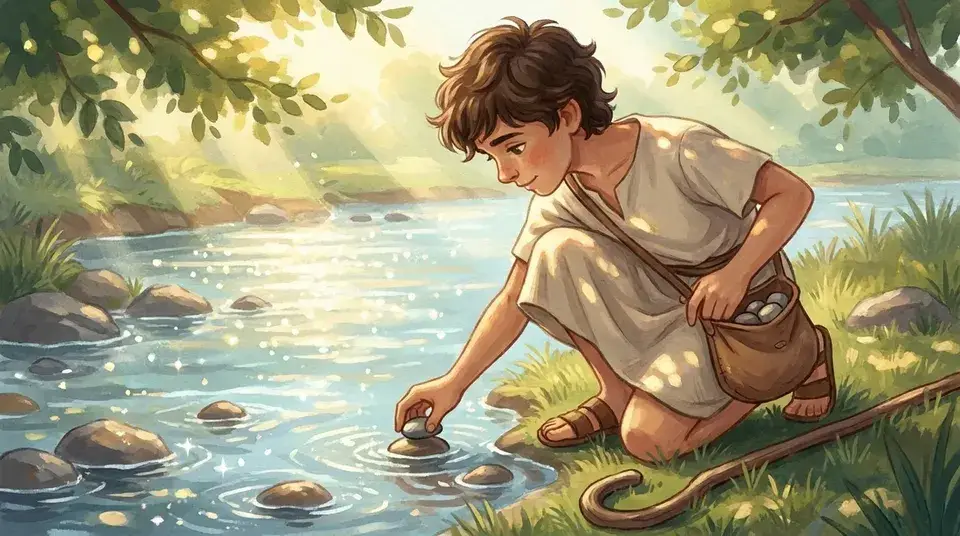
David and Goliath for kids
Story idea: David and Goliath for a Sunday school class. Stay close to 1 Samuel 17, no blood, and keep David in the same tunic in every scene.
16:9 · narrated
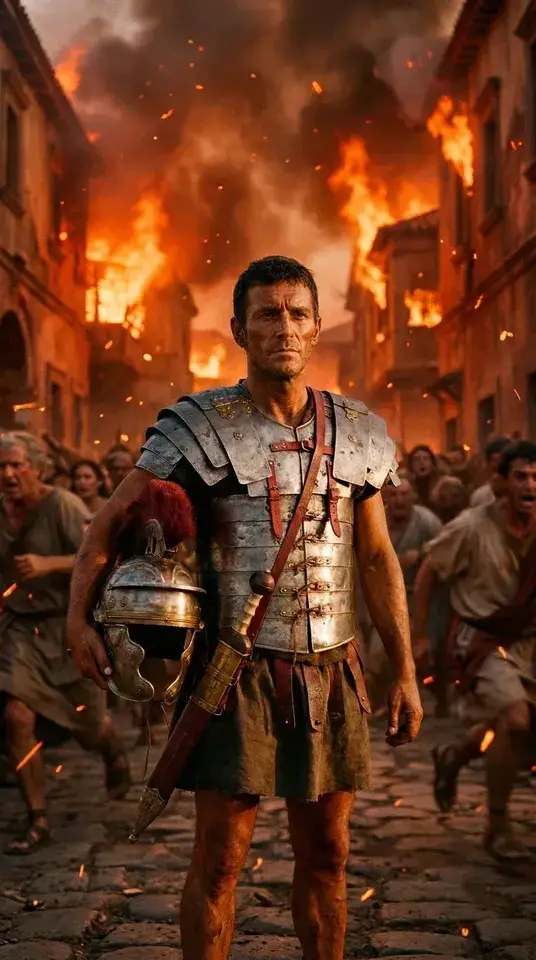
The fall of Rome in 60 seconds
Story idea: Why the Western Roman Empire fell, in 60 seconds, as one soldier's story from the frontier to the sack of the city.
9:16 · narrated
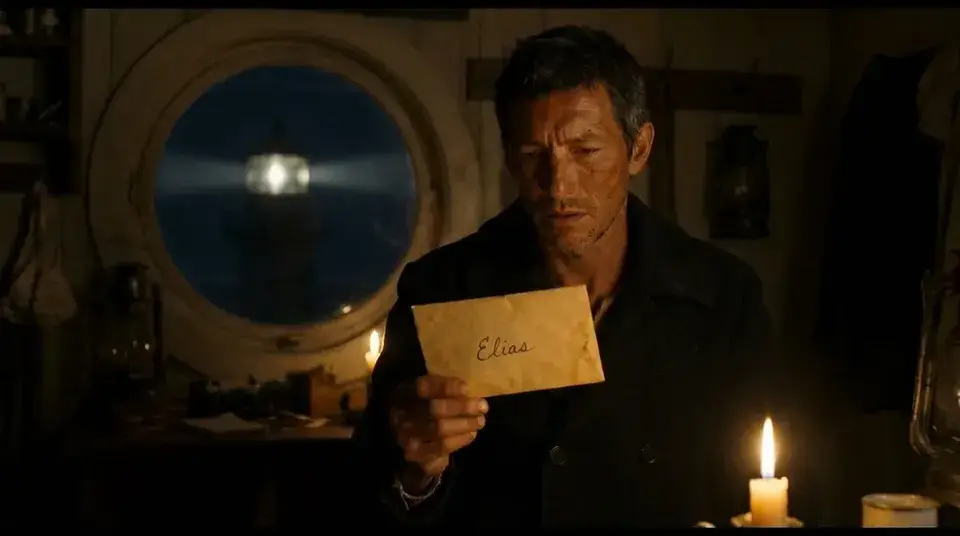
The lighthouse keeper's last letter
Story idea: A new lighthouse keeper finds the last letter of the man before him. Slow dread, no gore, and the twist lands in the final scene.
16:9 · narrated
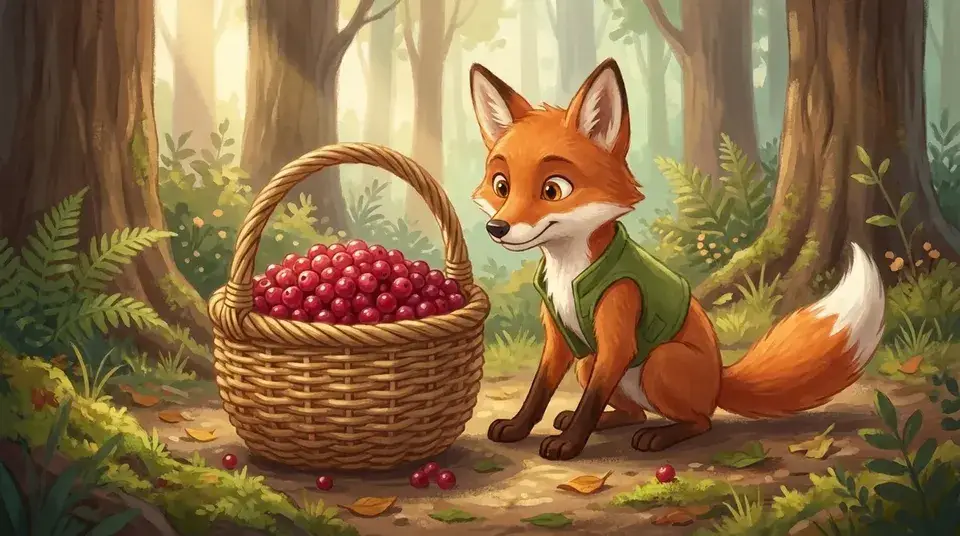
A shy fox learns to share
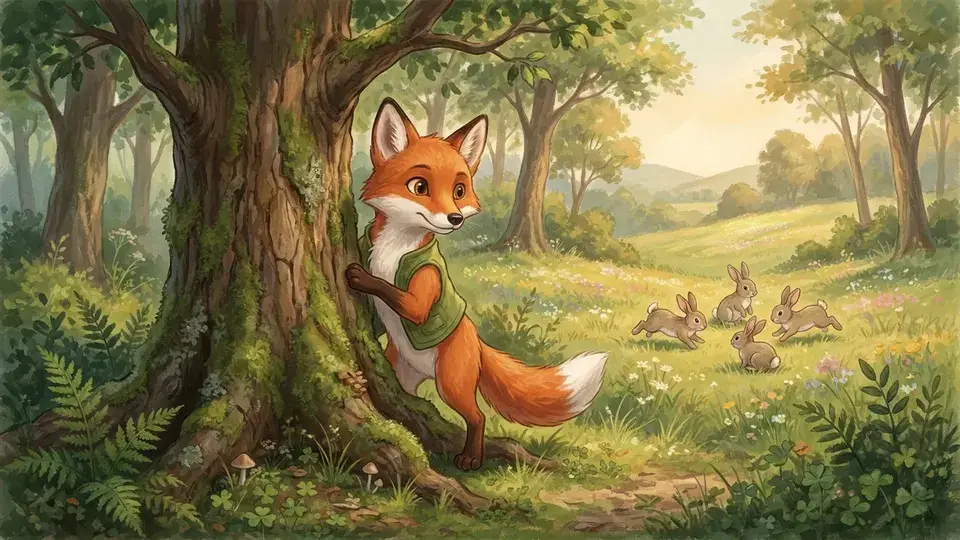
Story idea: A shy fox finds a basket of berries and has to decide whether to share it with the rabbits. Gentle, warm, with a clear lesson.
16:9 · narrated
Why the moon follows you home
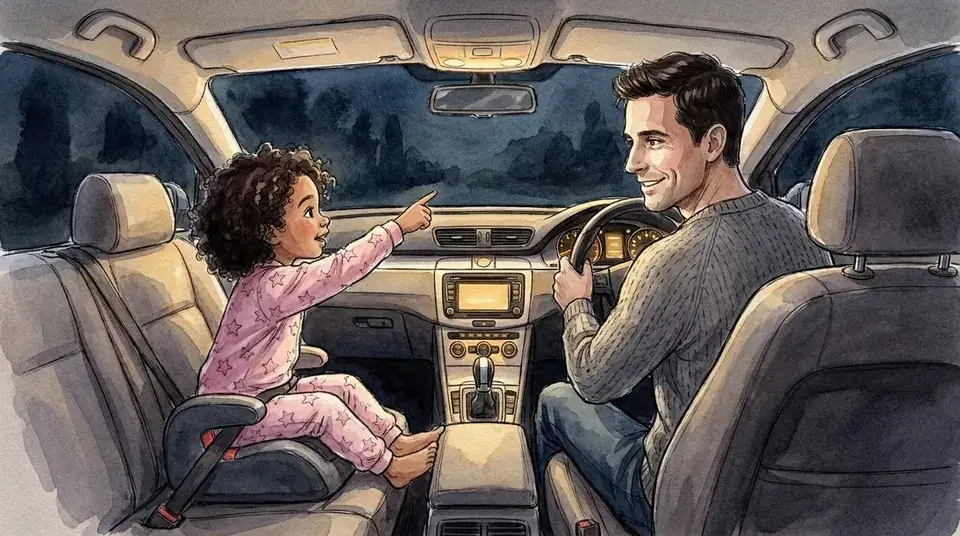
Story idea: A bedtime story about a girl who thinks the moon is following her car home. Calm pacing and a soft, sleepy ending.
16:9 · narrated
How it works
How the AI story video maker works
Four steps from a one-line idea, a story or a full script to an MP4. The first two cost nothing, so you can try the story to video AI before you decide to generate.
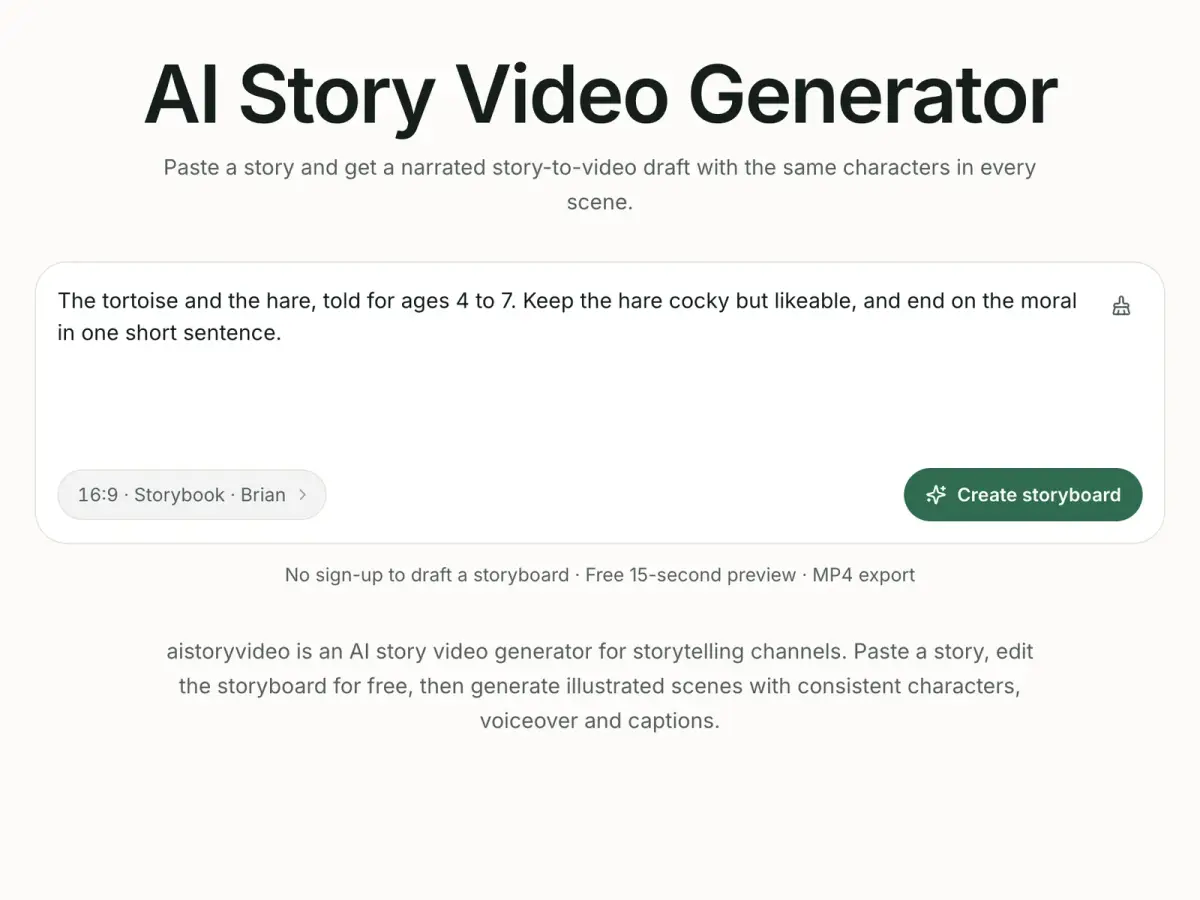
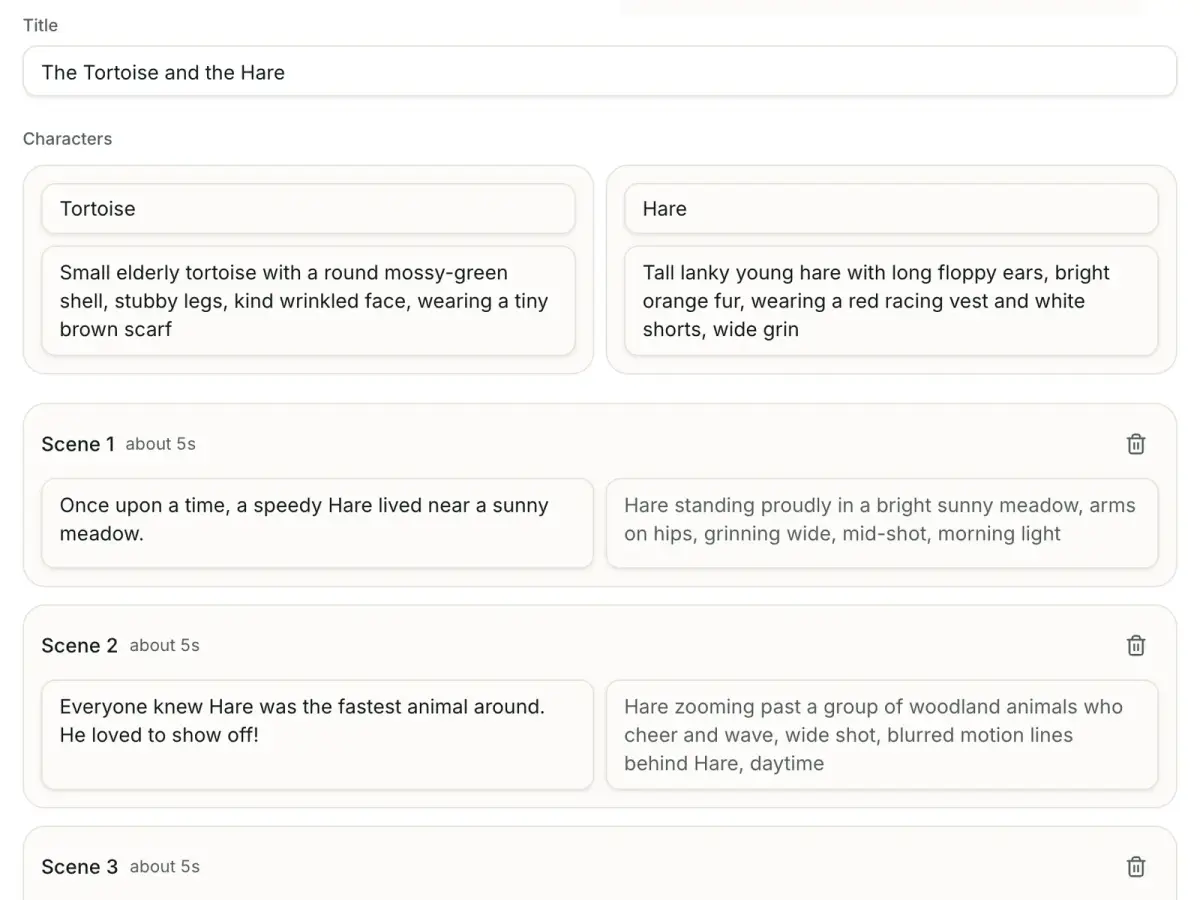
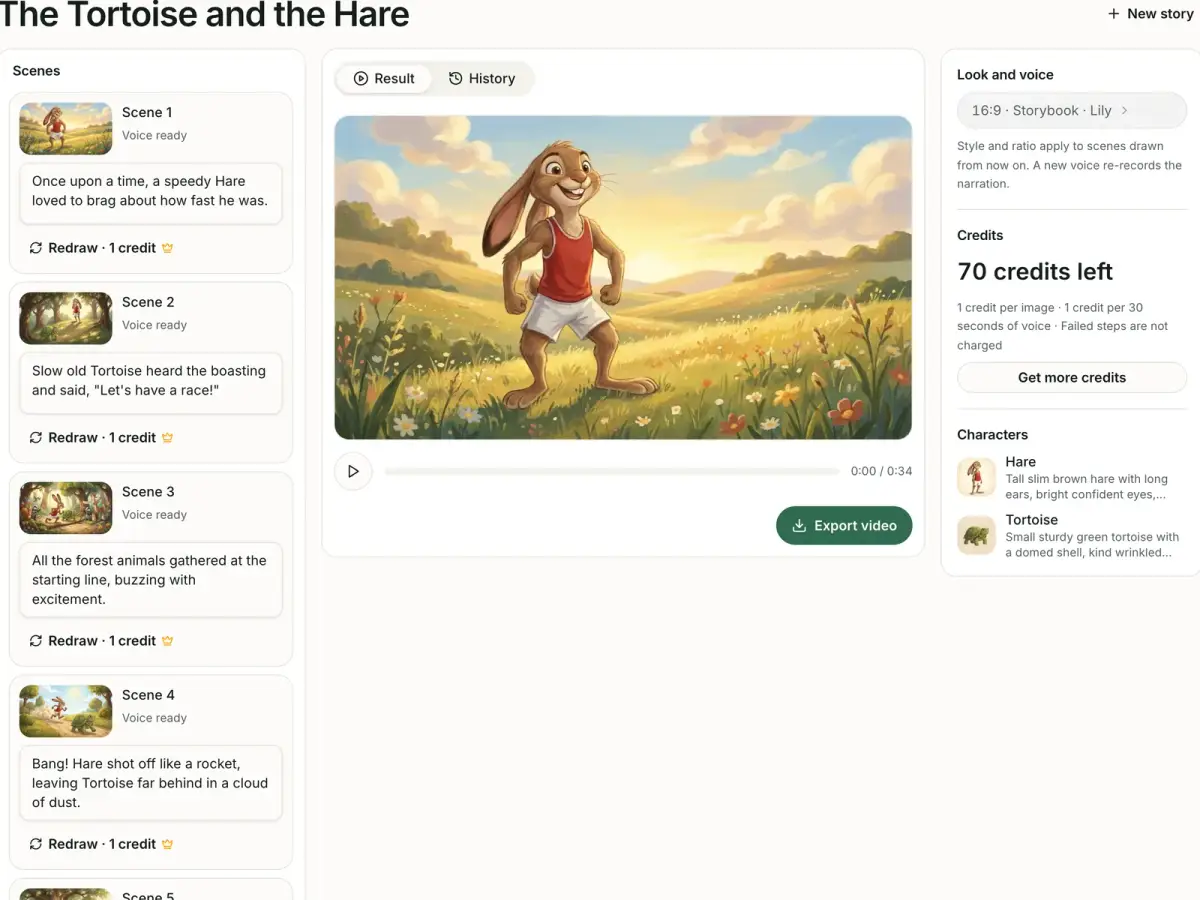
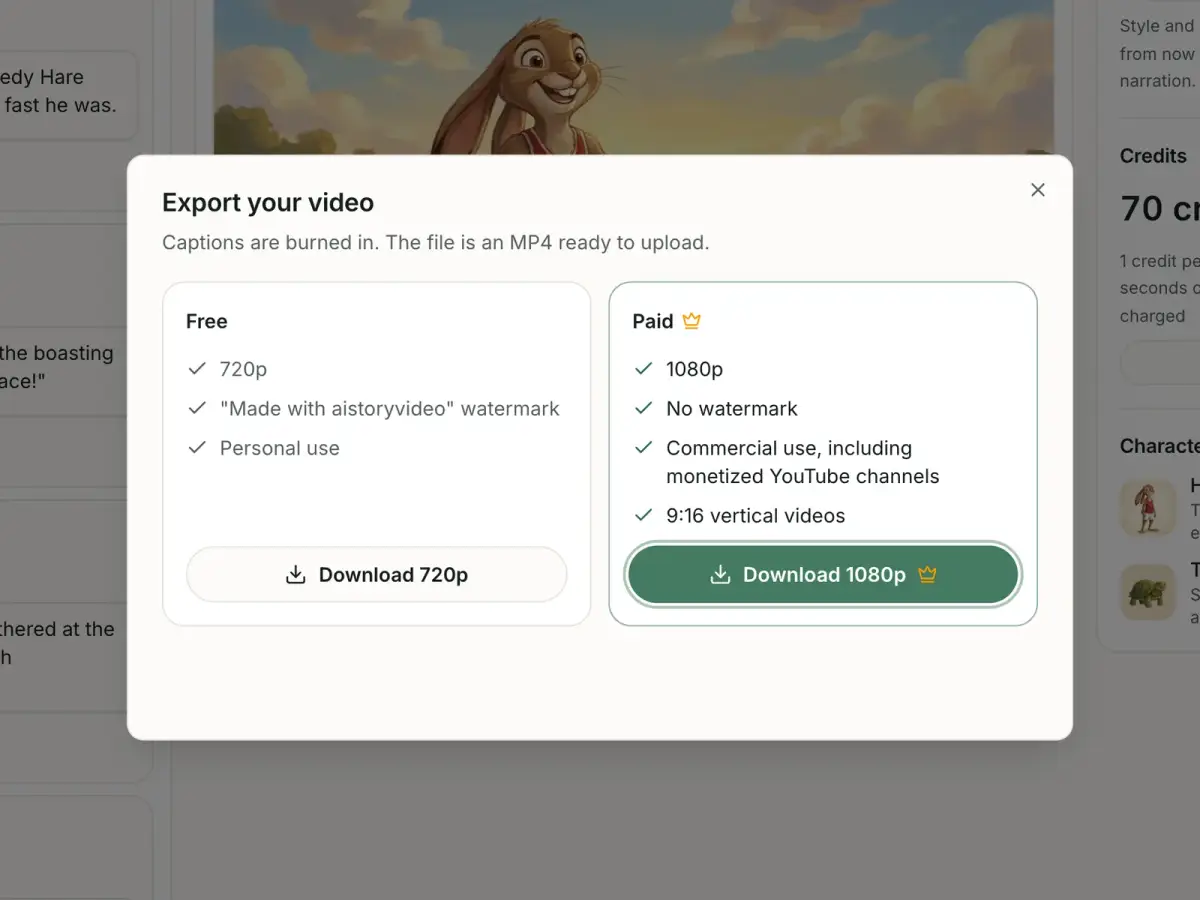
What you can make
Story videos for every channel
The same workflow covers the genres that storytelling channels publish most. Pick one to see what a finished scene looks like.
Consistent characters
Keep the same characters in every scene
Character drift is a known limit of AI illustration, and aistoryvideo is built around catching it early. You can fix the cast list in plain text, for free and without an account, before a single image exists.

The cast is listed before anything is drawn
The storyboard names every character it found in your story. Fix a name, a species or an outfit there, in text, before any scene is drawn.
Every scene is drawn from one reference
On paid plans a character sheet is generated first, at 1 credit per character, and passed to the image model as the reference for each scene. In the free preview, the first scene becomes the reference for the two that follow.
Redraw one scene, not the whole video
If a face or an outfit is off in one frame, paid plans let you redraw that scene alone. The rest of the video stays as it is.
Every scene shows up in the studio as it finishes, so you can check the cast before you export and redraw a single scene on a paid plan.
Built for
Built for storytelling channels
Three kinds of creator publish narrated stories every week. This is what each of them gets from an animated story workflow that starts with text.
Kids' and moral story channels
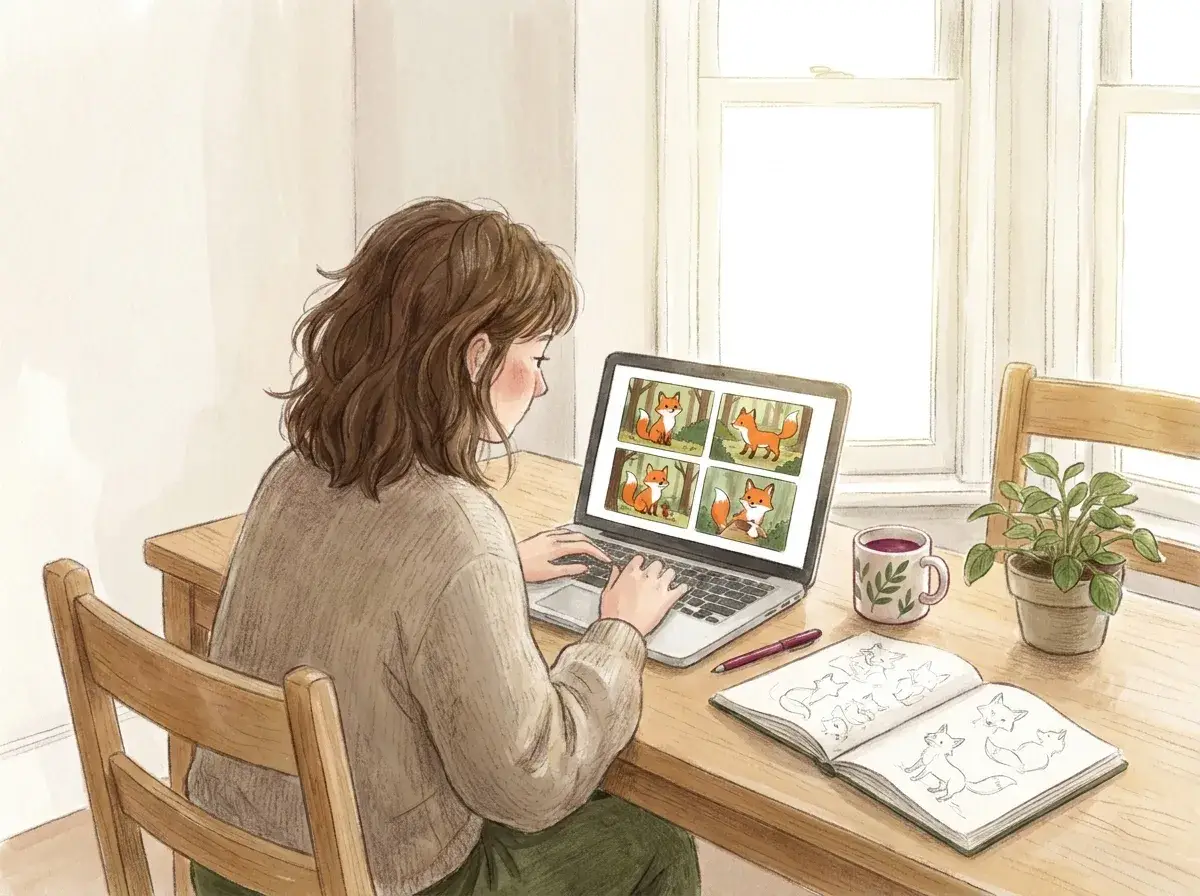
You publish a new fable every week and your viewers notice when the hero changes between scenes. Here the cast is fixed in the storyboard and every scene is drawn from the same reference, so the fox in the last scene is the fox from the first. You set the audience on YouTube yourself when you upload.
Bible and faith story creators
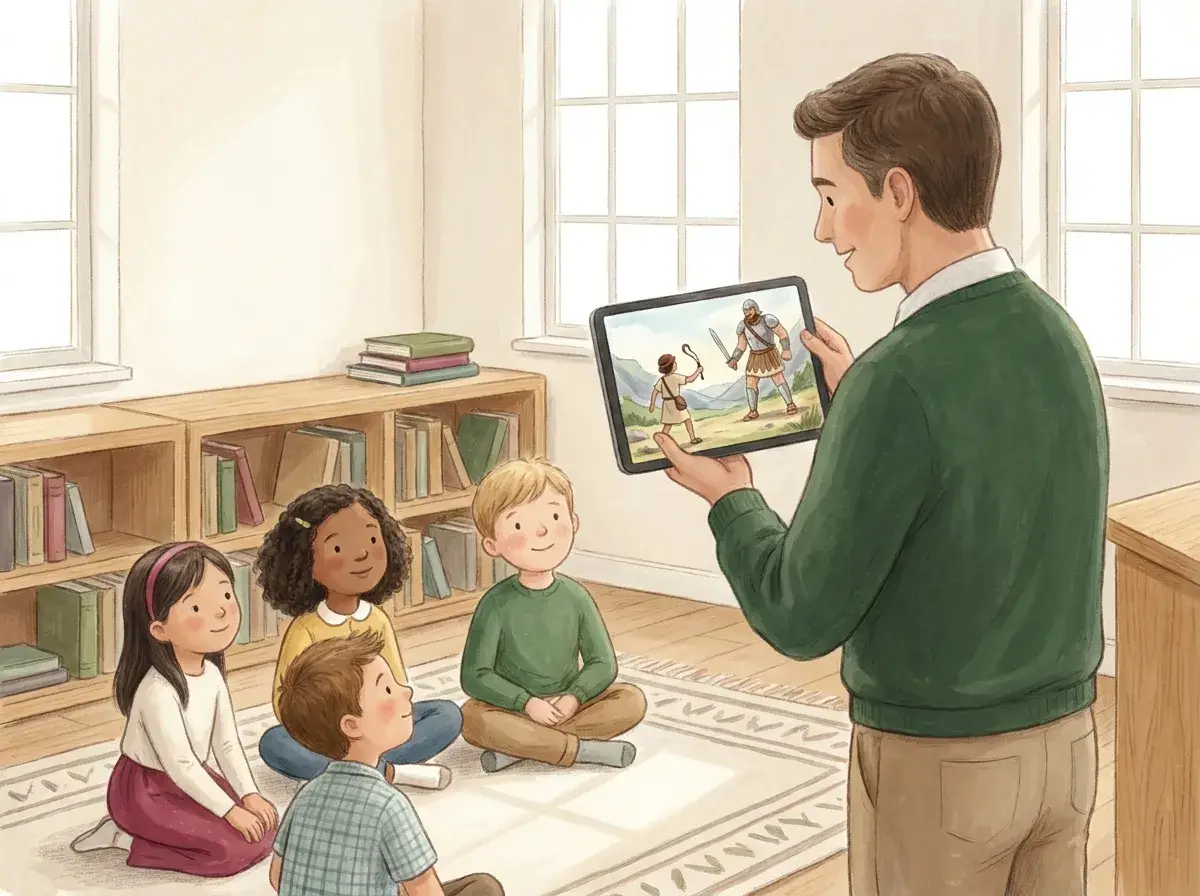
You retell scripture for a class, a congregation or a channel, and a picture that adds something that is not in the passage is a problem. Because the storyboard is plain text, you can read every narration line and picture description against the passage and correct it before a scene is illustrated. If a finished scene still shows the wrong detail, redraw that scene alone.
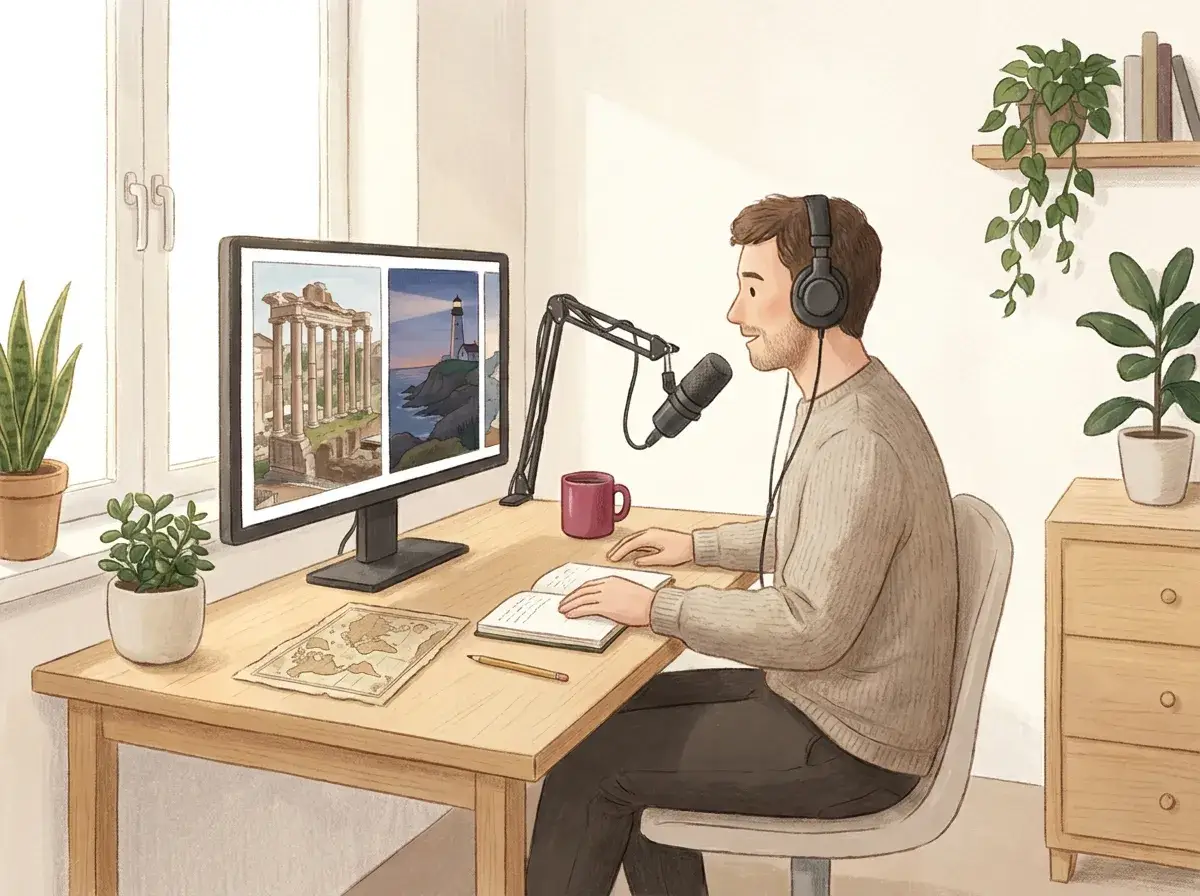
Faceless history and horror narrators
Your videos are narration over pictures, and length is what costs money. You can cost a story from its storyboard before you generate it: count the scenes and the narration length. Longer stories are available on paid plans, up to 10 minutes on Pro.
Story templates
Start from a story template
Ten starting points across the genres above. Copy a line into the box, change the names, and edit the storyboard from there.
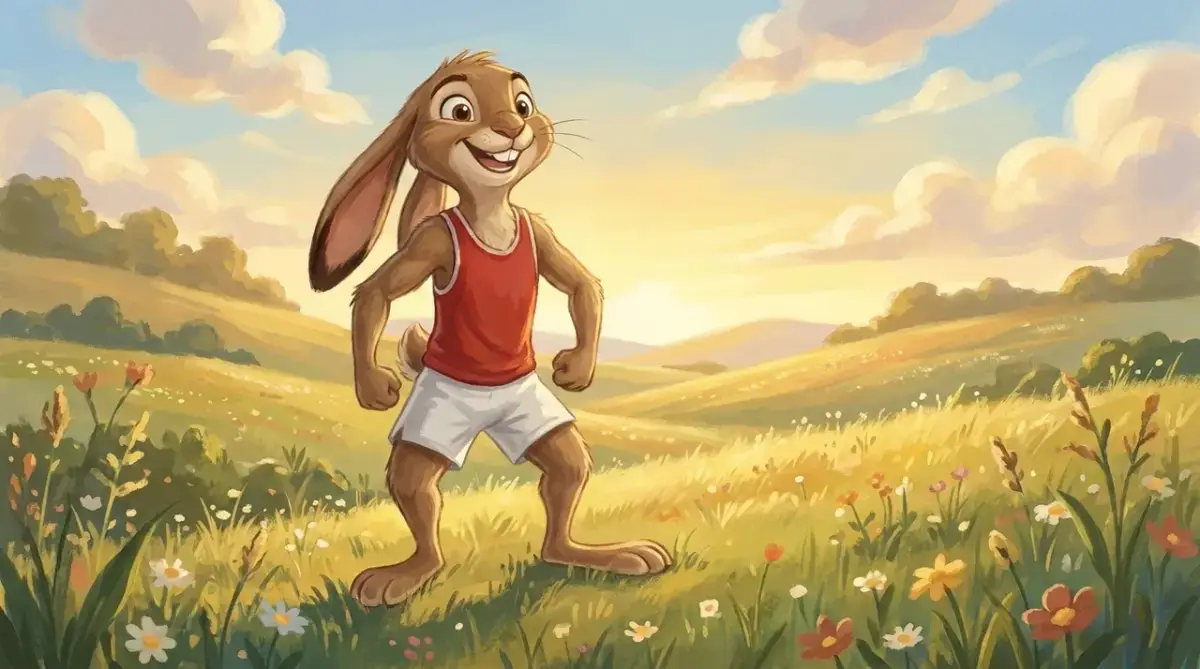
Fable
The tortoise and the hare
An Aesop fable about a slow tortoise who beats a boastful hare.
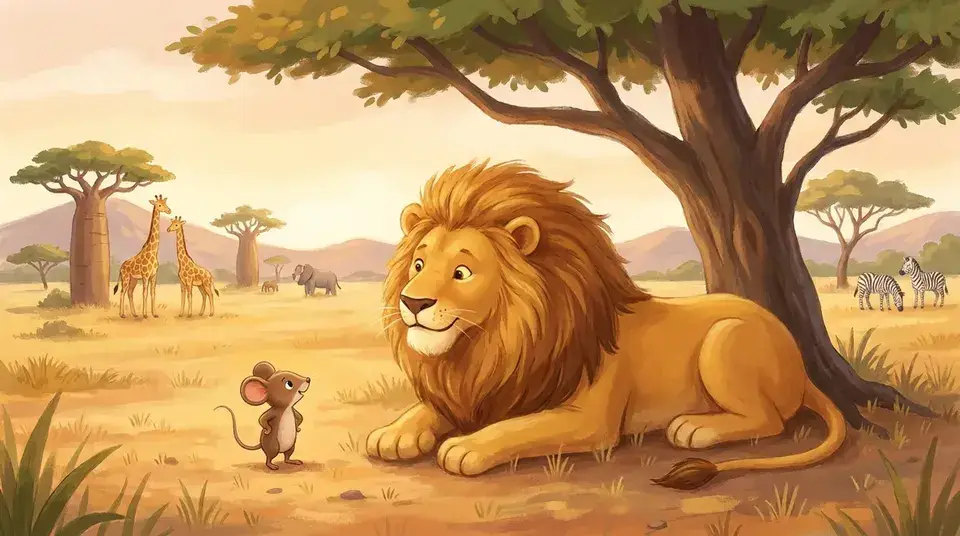
Fable
The lion and the mouse
A tiny mouse repays a lion's mercy by chewing through a hunter's net.
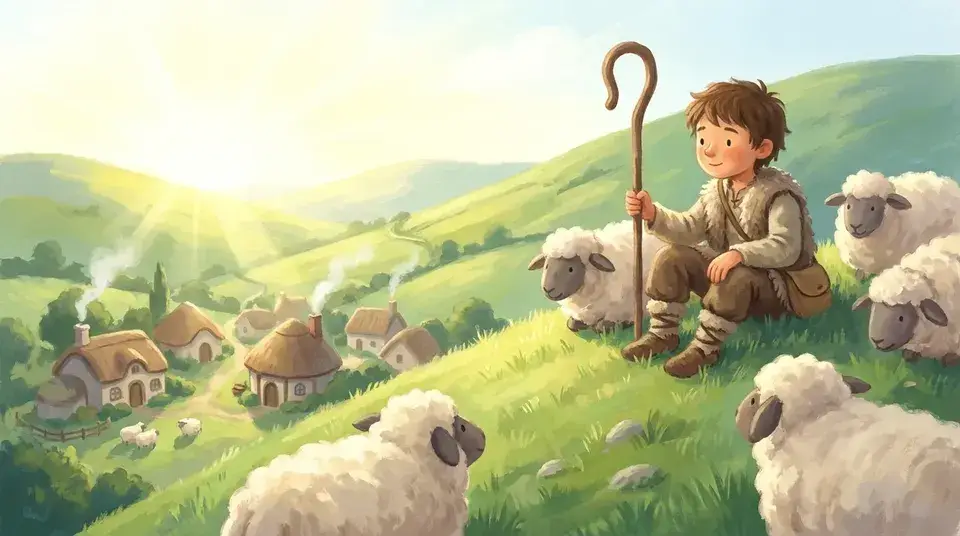
Moral story
The boy who cried wolf
A shepherd boy lies about a wolf until nobody believes him.
Moral story
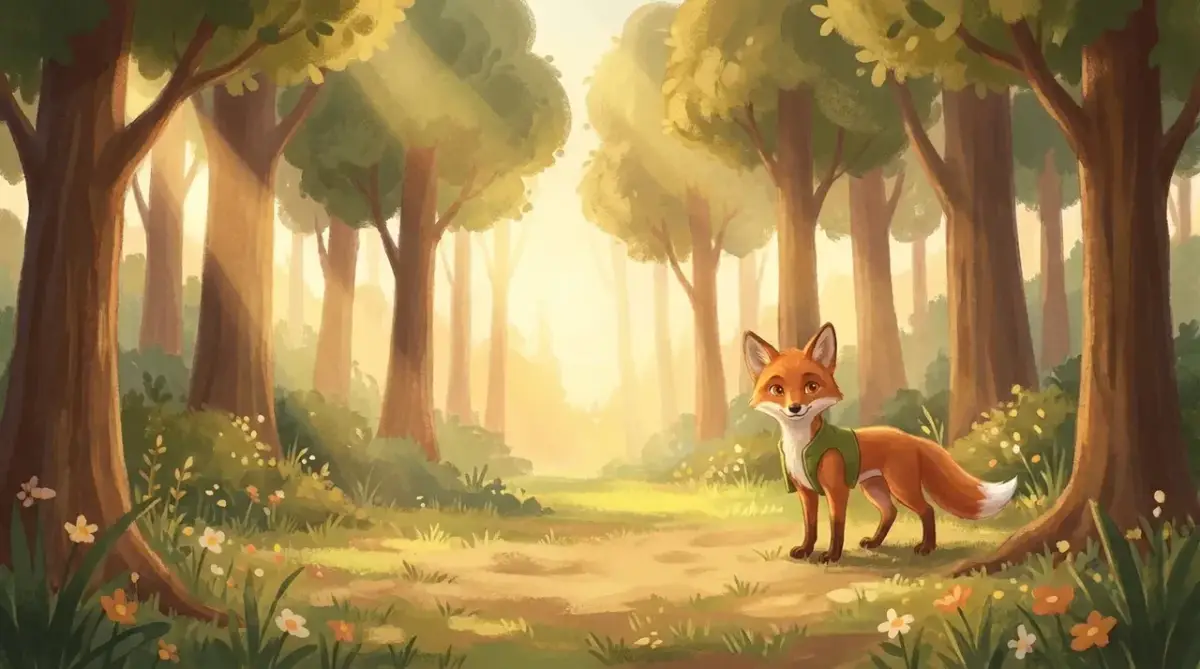
A shy fox learns to share
A shy fox must decide whether to share a basket of berries.
Bible story
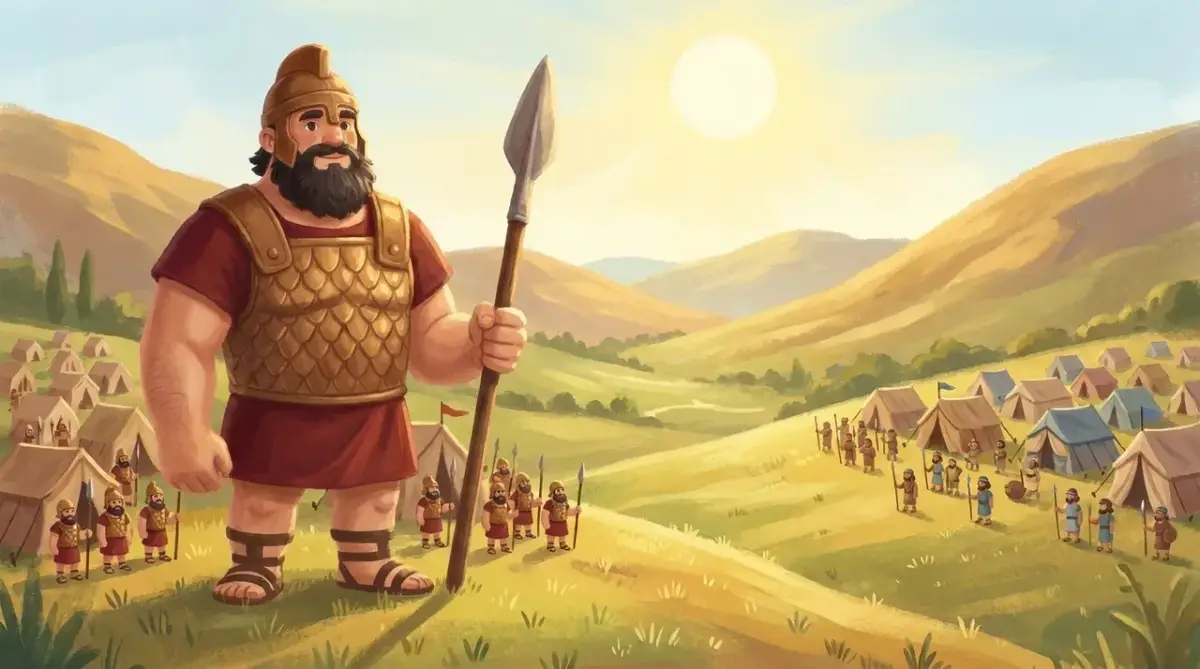
David and Goliath
A shepherd boy faces a giant with a sling and five stones.
Bible story
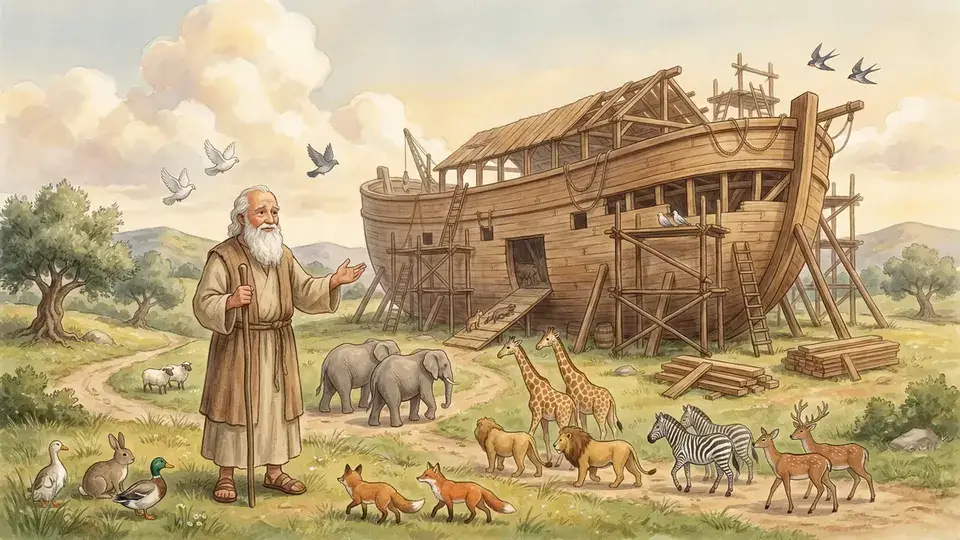
Noah's Ark
Noah builds an ark, gathers the animals and waits for the dove.
Bible story
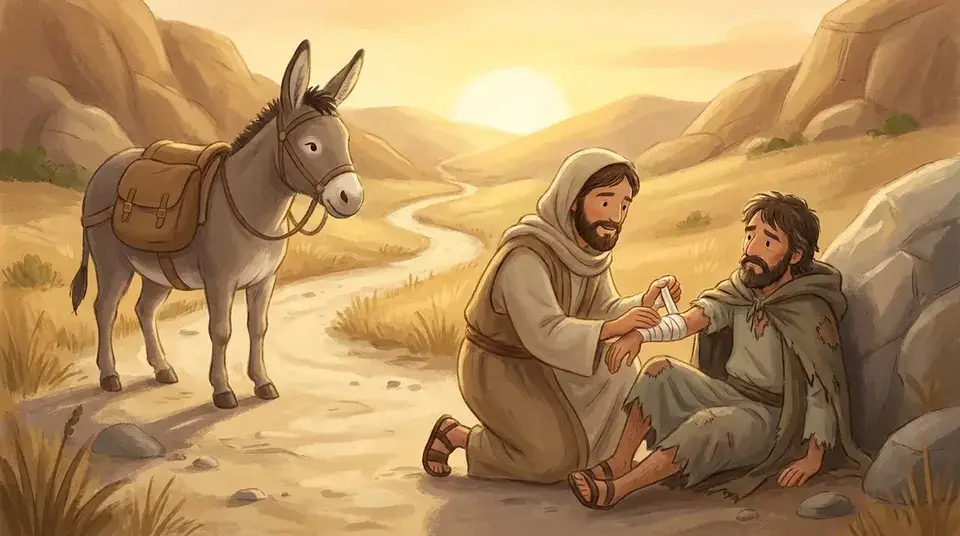
The Good Samaritan
A traveler is helped on the road by the person he least expects.
History
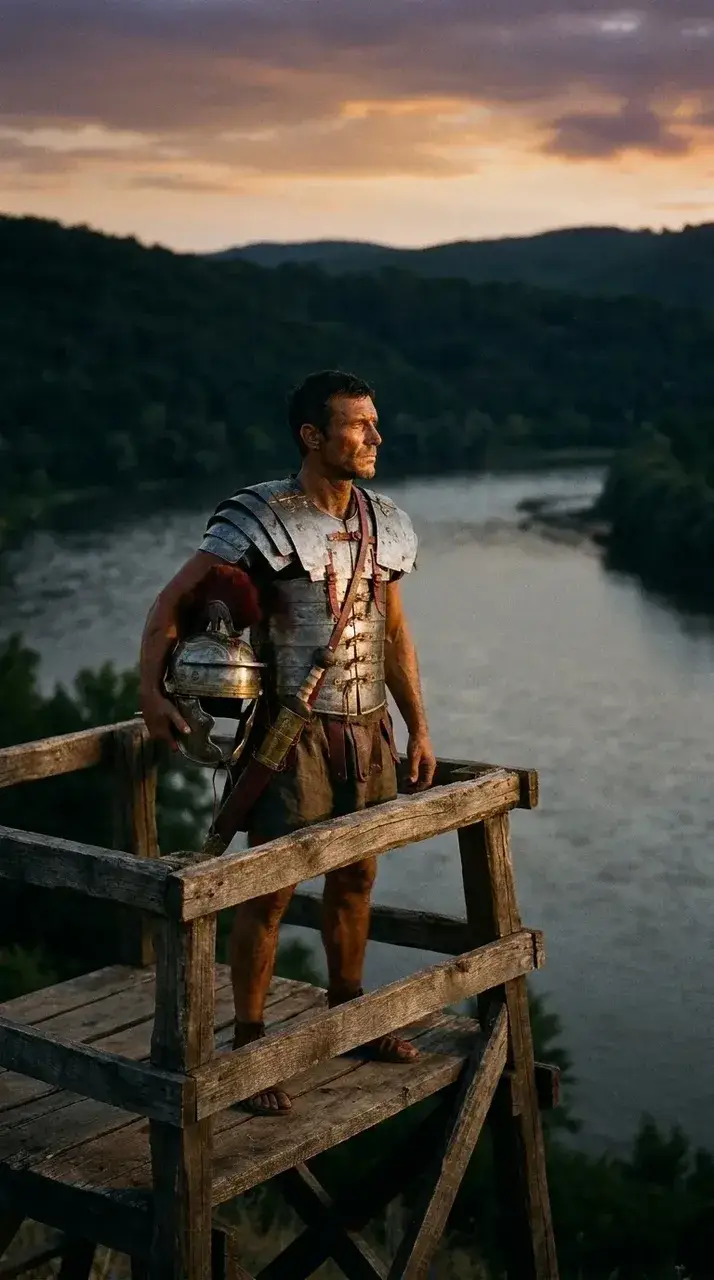
The fall of Rome in 60 seconds
One soldier's view of the last years of the Western Roman Empire.
Horror
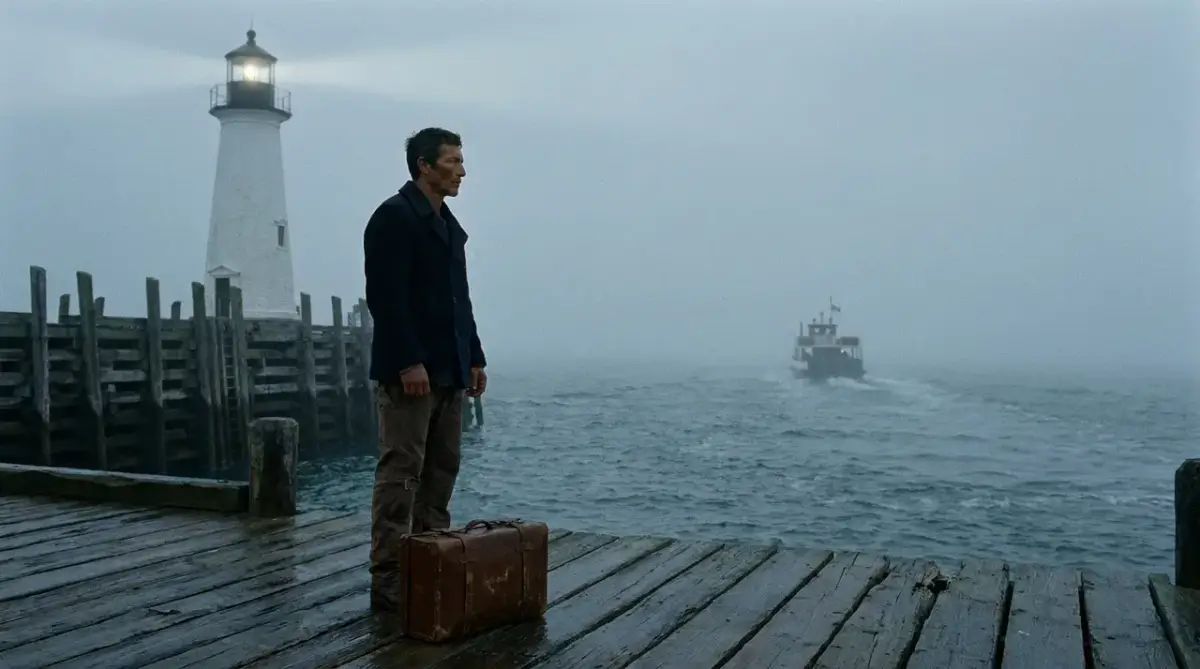
The lighthouse keeper's last letter
A new keeper reads the final letter of the one who vanished.
Bedtime
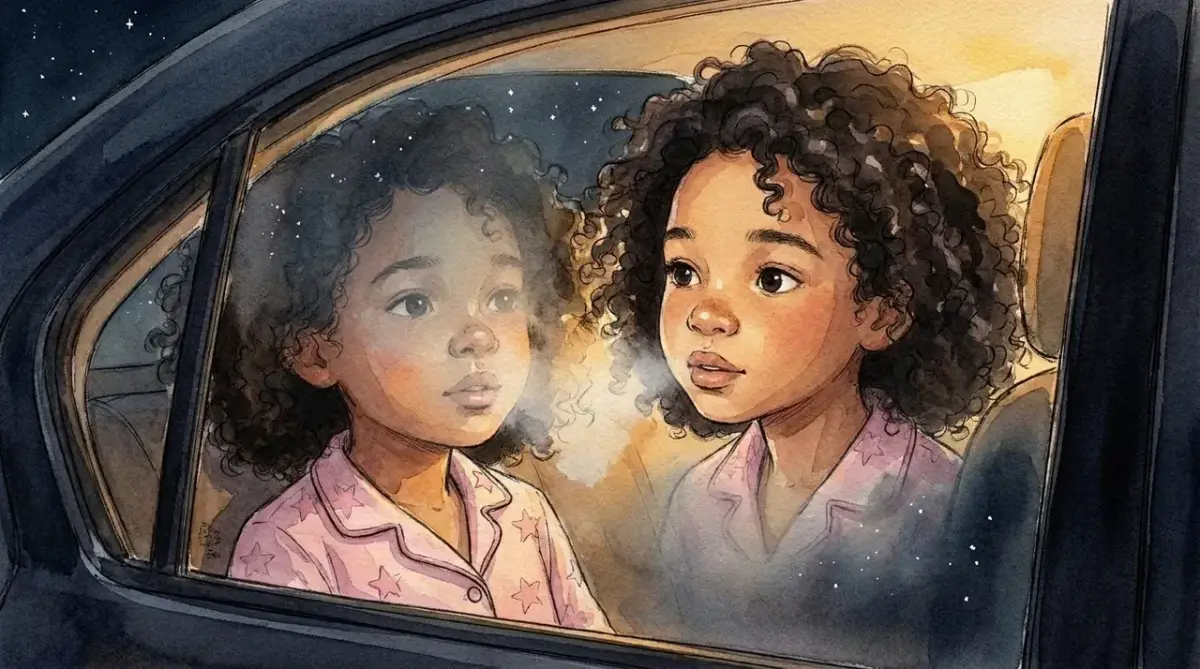
Why the moon follows you home
A sleepy girl wonders why the moon keeps up with the car.
Features
Everything a narrated story video needs
An AI animated story video is a script, pictures, a voice and captions that agree with each other. These are the parts.
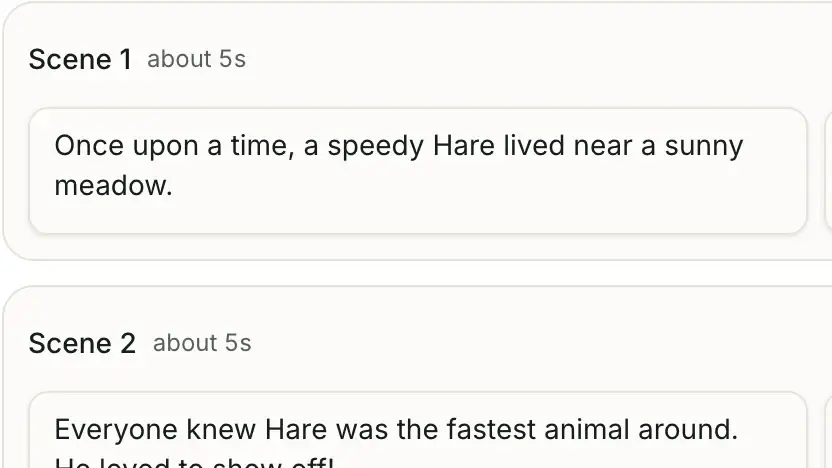
Fix the script before you generate
Every story becomes a storyboard first: scenes, narration lines, picture descriptions and a cast list. Rewrite any of it, so scenes are only drawn from a script you have already approved.
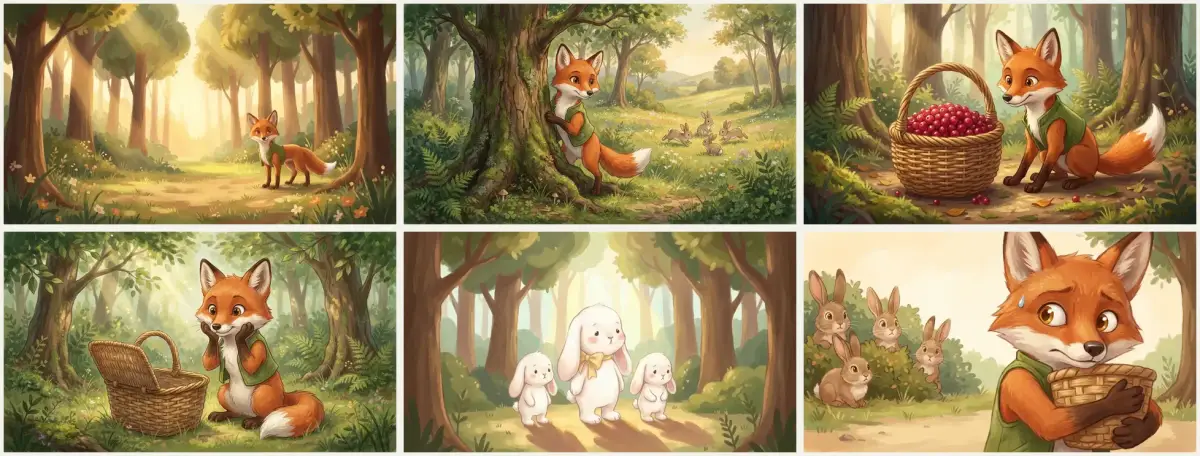
Illustrate each scene with the same cast
Each scene is one illustration, drawn with your character reference attached. Scenes appear in the studio as they finish, so you can spot a problem early instead of after the whole video is done. Pick one of five looks before you generate: Storybook, 3D cartoon, Watercolor, Anime or Cinematic.
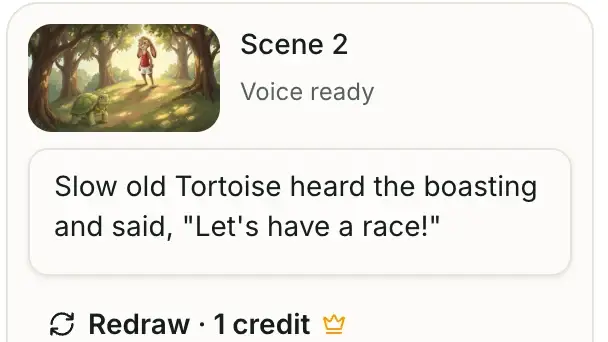
Add a narrator without recording one
The narration lines from your storyboard are read by an AI voice. Choose from six narrators, male and female, and change the voice later if it does not suit the story.
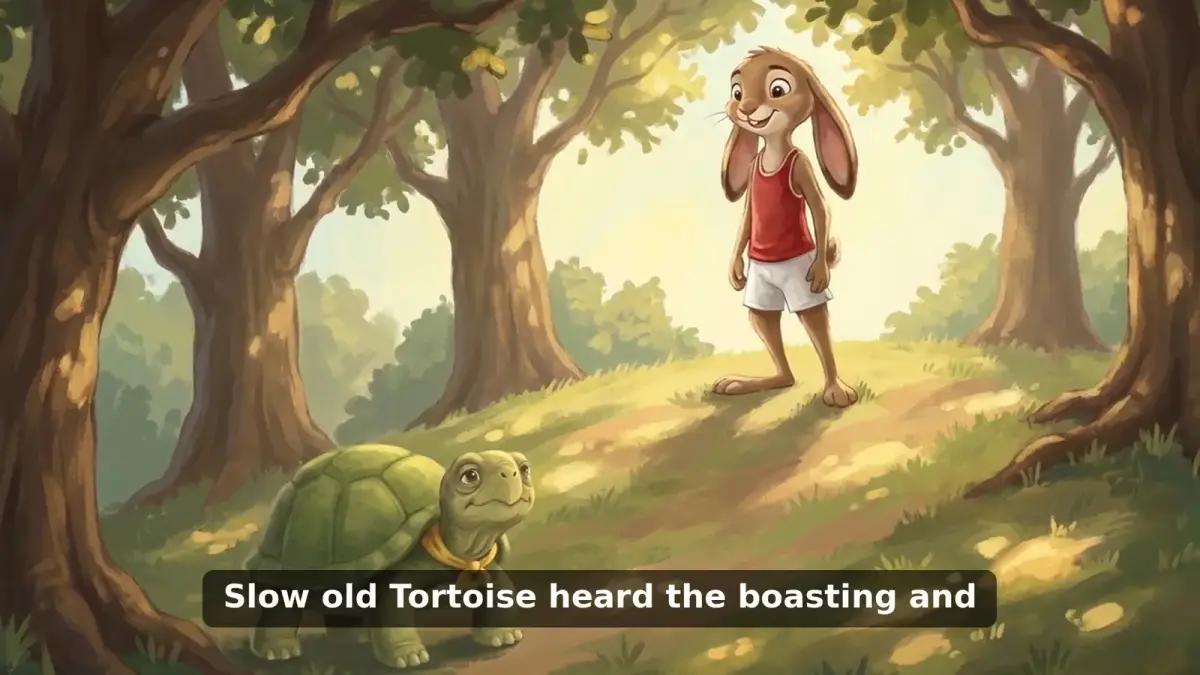
Caption every line of narration
Captions (burned-in subtitles) are timed to the voiceover and rendered into the video, which matters for viewers who watch with the sound off. Paid plans can also export the captions as an SRT file for YouTube.
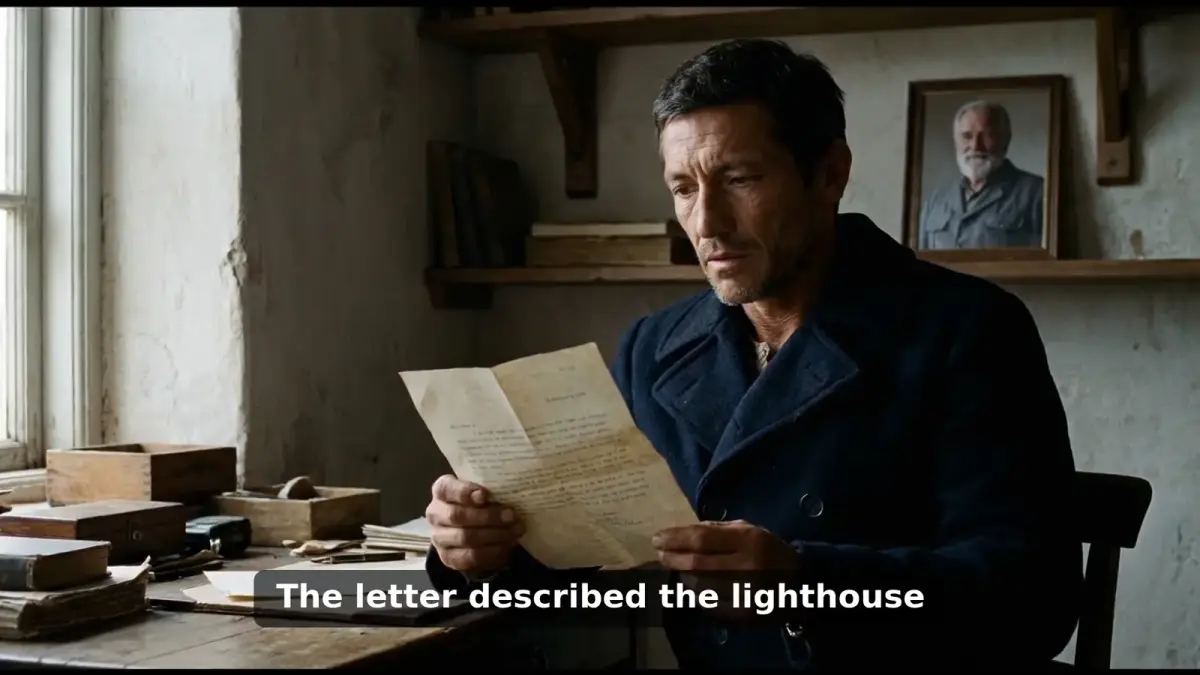
Give still scenes a camera
Each illustration gets a slow push, pull or pan, so the picture keeps moving while the narrator speaks. Editors call this the Ken Burns effect. It is the same cut that narrated story channels use: one illustrated scene per line of the story.
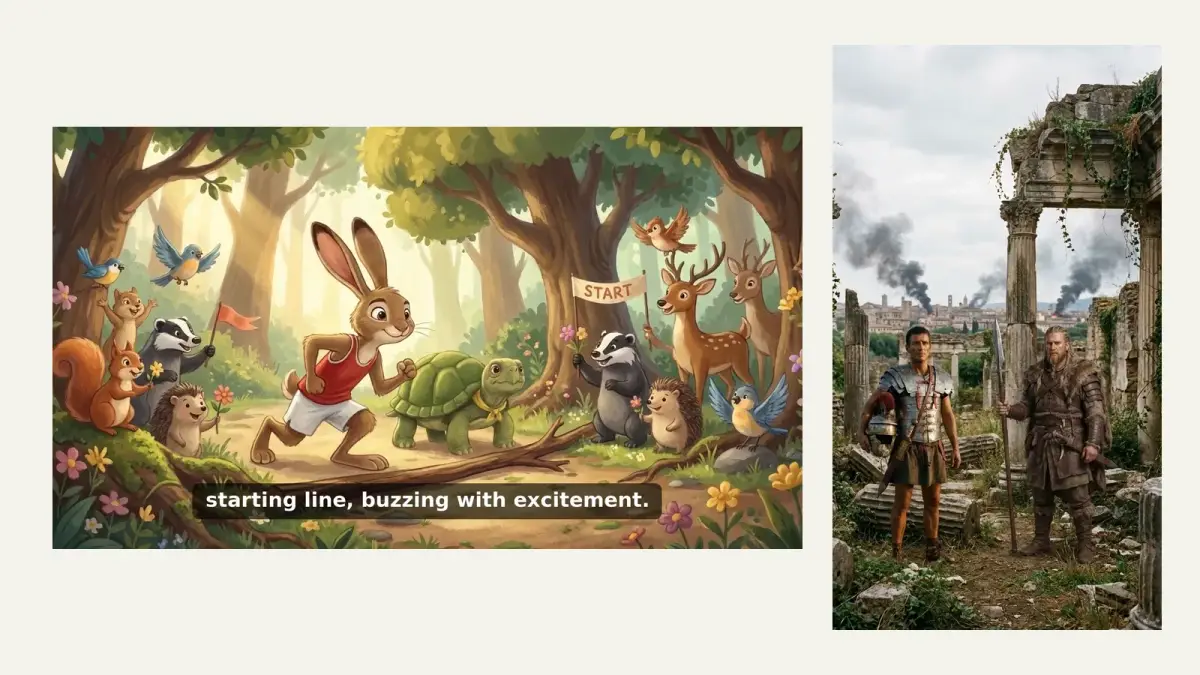
Export in the shape your platform wants
The result is an MP4 you download and upload yourself: 16:9 for YouTube, and 9:16 for Shorts, TikTok and Instagram Reels on paid plans. YouTube counts a vertical video as a Short only up to three minutes, which is also the longest video on Starter.
Powered by
The models behind your scenes
You should know what draws your pictures and reads your story.
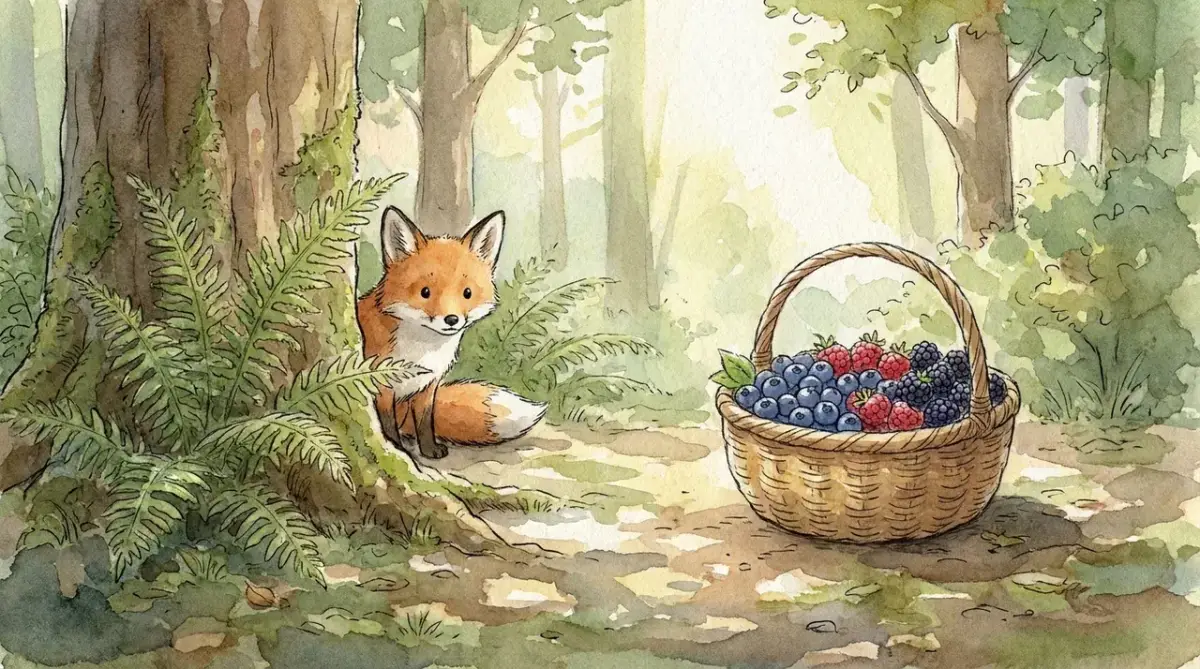
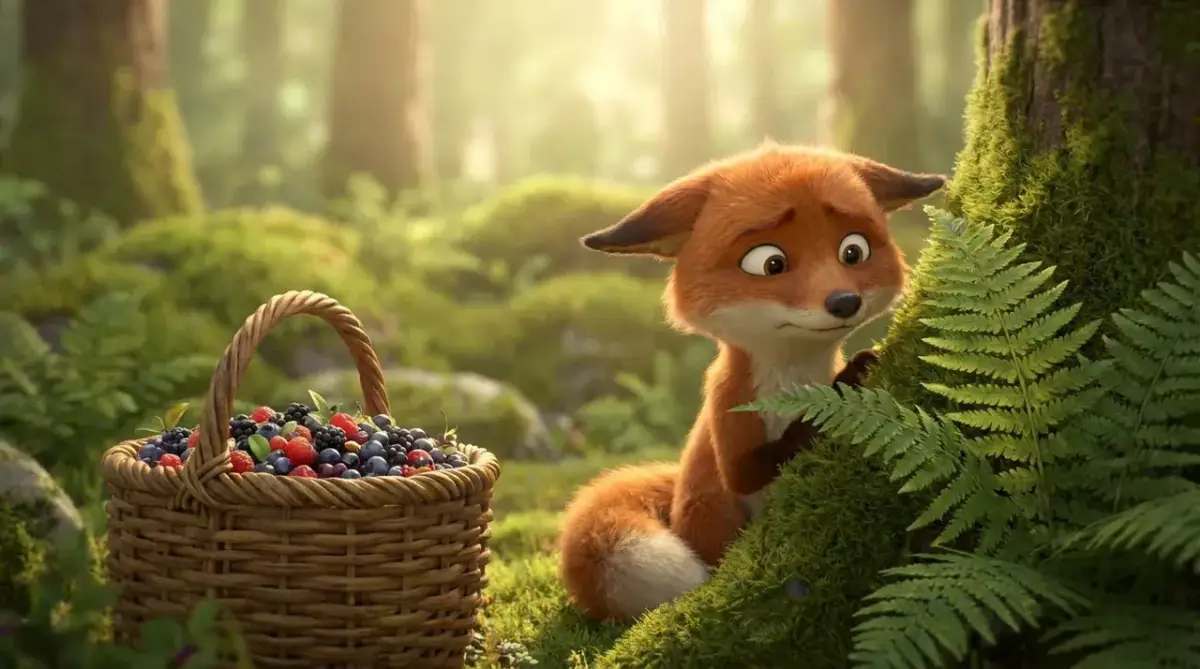
Illustrations: Nano Banana Pro
Scenes are drawn by Nano Banana Pro (Gemini 3 Pro Image), Google DeepMind's image model. Google says it can hold the resemblance of up to five characters in one workflow, and also that it may not always get it right, which is why every scene here can be checked and redrawn.
Storyboard and narration
A text model writes the storyboard, and an AI text-to-speech voice reads the narration.
Why aistoryvideo
Pay per scene, see the price first
Most story videos today are made one of two other ways. Here is how the three compare on the things that decide your week.
| aistoryvideo | Chaining tools yourself (ChatGPT, an image generator, CapCut) | Stock-footage text to video tools | |
|---|---|---|---|
| Drafting the story | Storyboard on the page; edits cost no credits | Prompt a chatbot, then copy scenes into the next tool | Script is split into scenes for you |
| Pictures | One illustration per scene from your character reference | Generate each image and re-prompt until it matches | Stock clips or generic images matched to the script |
| Same character in every scene | Built into how scenes are drawn | Manual: you keep a reference and retry | Not what stock footage is for |
| Narration and captions | Generated and timed together | Record or generate, then sync in the editor | Generated |
| What you pay for | 1 credit per illustration (scenes and character sheets), 1 credit per 30 seconds of voiceover | A separate plan or free tier for each tool | Depends on the tool; check how each step is charged |
| When a generation fails | Not charged | Depends on the tool | Depends on the tool |
| Where your time goes | Reviewing the storyboard | Assembling and syncing in the editor | Swapping clips that do not fit the story |
Costs are shown before each step runs, so you know what a scene or a narration will take from your balance before you click.
Start a story
Your story. Same characters. Every scene.
Draft the storyboard first, then decide which scenes to bring to life.
Pricing
Simple pricing for weekly episodes
Storyboards cost no credits. You pay for the illustrations and narration you generate.
A 1-minute video uses about 17 credits: around 12 scene illustrations, 2 voiceover segments and a few character sheets or redraws. That is roughly 17 one-minute videos a month on Starter (300 credits) and 38 on Pro (650 credits).
A new account gets 4 credits, enough to preview the first 15 seconds of your story as 3 scenes in 720p with a watermark.
What you get before you pay
You can see your storyboard without an account and a 15-second preview with a free one. Paying unlocks the full video and the rights to publish it commercially.
| No account | Free account | Paid plans | |
|---|---|---|---|
| Storyboard | Up to 3 a day, editable | Create and edit, no credits | Create and edit, no credits |
| Video | Not available | First 15 seconds, 3 scenes | Full story: up to 3 minutes on Starter, 10 minutes on Pro |
| Export | Not available | 720p MP4 with a watermark | 1080p MP4 without a watermark, plus SRT captions |
| Formats | Not available | 16:9 | 16:9 and 9:16 |
| Redraw one scene | Not available | Not included | 1 credit per scene |
| Commercial use | Not available | Personal use | Included |
Secure payments powered by


YouTube rules
Made for channels that play by YouTube's rules
Story channels ask the same thing about AI video: will YouTube monetize this? That decision is YouTube's, so here is what its own help pages say and how aistoryvideo fits.
Monetization: original stories with real narration
YouTube's channel monetization policies ask for original content that is not mass-produced or repetitive, and they name using AI to visualize a unique character and narrative you invented as an allowed use. The same page lists a series that follows a set of characters across episodes as allowed when each video has its own storyline, and says the rules apply to your channel as a whole. A retold fable or Bible story is not a story you invented, so what you add in the telling matters. Here every script is one you have edited line by line, one narrated episode at a time.
Made for kids: you set the audience
YouTube requires you to say whether each video is made for kids, and its guidance on made for kids content lists factors such as characters, songs, stories or games that appeal to children. A fable for preschoolers will usually count. Marking a video as made for kids turns off comments, the notification bell, cards and end screens, and personalized ads on it. The rule comes from the US children's privacy law, COPPA. That setting is yours to make at upload; the tool does not make it for you.
AI disclosure: realistic content must be labeled
YouTube's disclosure rules for AI content require a label when AI-generated or altered content seems realistic, and do not require one for clearly unrealistic content such as animation. Illustrated stories usually sit in the second group, but the Cinematic style draws realistic film stills, so read the examples on that page before you answer. YouTube also says that disclosing AI use does not, by itself, limit a video's reach or its eligibility to earn money.
FAQ
Questions before you start
Before you start
What is an AI story video generator?
An AI story video generator is a tool that turns written text into a narrated video. It splits the story into scenes, creates a picture for each one, reads the narration aloud with an AI voice and adds captions. aistoryvideo is one built for storytelling channels, with an editable storyboard and the same characters in every scene.
Can AI turn my story into a video?
Yes. In aistoryvideo you paste the story, edit the storyboard it proposes, and then generate the scenes, the voiceover and the captions. The result is a narrated MP4 made of illustrated scenes with slow camera moves. It is not live-action footage, and the characters are not animated frame by frame.
Is this AI story video generator free?
Watermark-free 1080p export and commercial use are paid, because every scene runs an image model and every narration runs a voice model, and those cost real money. Plans are listed in the pricing section on this page. Without paying, you can create and edit storyboards at no cost, and a new account gets 4 credits, enough to preview the first 15 seconds of your story with a watermark. The fully free route is to assemble the video yourself in CapCut, but you have to find the images and the narration on your own.
Do I need to sign up?
Not to draft a storyboard. You can create up to 3 storyboards a day from the home page without an account and edit them freely. You need an account to generate the scenes, because the studio saves your project at its own address so you can close the tab and come back. Sign-in is with Google or email.
Can ChatGPT make AI story videos?
ChatGPT can write the script and a scene-by-scene storyboard, and it can generate single images. It does not hand you a finished narrated video, so you still generate each picture, keep the characters matching, record or generate a voice, and assemble everything in an editor such as CapCut. aistoryvideo does those steps in one place.
What is the best AI story video generator?
It depends on the kind of story. For narrated stories with a recurring cast, such as fables, Bible stories or history told through one character, pick a tool that fixes the characters before it draws, like aistoryvideo. If you need lip-synced characters or image-to-video clips, choose a tool built for that.
Can I make Bible story or kids' story videos?
Yes, both are core uses. For Bible stories, read each narration line and picture description in the storyboard against the passage before you generate. For kids' stories, keep the cast to five characters or fewer, the limit Google gives for the image model, so they stay recognizable. On YouTube, you are the one who sets whether a video is made for kids when you upload it.
Source: YouTube Help: Determining if your content is made for kids
While you make it
How do the characters stay consistent across scenes?
The storyboard lists your characters first. On paid plans a character sheet is drawn from that list and attached as a reference image to every scene. In the free preview, the first scene is used as the reference for the next two. AI illustration can still drift, so check the scenes and redraw any that slipped.
How long can a story video be?
The free preview covers the first 15 seconds of your story. The Starter plan makes videos up to 3 minutes, and the Pro plan up to 10 minutes. Length drives cost: every scene is 1 credit and every 30 seconds of voiceover is 1 credit. A 1-minute video is about 12 scenes and 2 voiceover segments, plus a few character sheets or redraws, so about 17 credits.
Can I change one scene without redoing the whole video?
Yes. Text changes are made in the storyboard and cost no credits. After the scenes are illustrated, paid plans let you redraw a single scene for 1 credit while the rest of the video stays untouched. Single-scene redraw is not included in the free preview.
What happens if a generation fails?
A generation that fails is not charged. The cost of each step is shown before you run it, and credits are only taken for illustrations and voiceover that are actually delivered. If a scene comes out wrong rather than failing, you can edit its description and redraw that scene on a paid plan.
After you export
What do I get when I export?
An MP4 file with the illustrated scenes, camera moves, voiceover and captions rendered in. The free preview is 15 seconds, 720p, with a watermark, and you can download it. Paid plans export the full video in 1080p without a watermark, with commercial use, in both 16:9 and 9:16, plus an SRT caption file.
Can I monetize these videos on YouTube?
Commercial use, including monetized channels, is part of the paid plans. Whether a channel is accepted into the YouTube Partner Program (YPP) is YouTube's decision. Its policies exclude mass-produced, repetitive content and templated storylines with little narrative, and they name using AI to visualize a story you invented as an allowed use. Publish original stories with real narration.
Is it legal to use an AI story generator?
Yes, using an AI story generator is legal in general. What you publish is your responsibility: write your own story or use one in the public domain, such as Aesop's fables or the King James Version of the Bible, and do not copy text or characters that someone else owns. Modern translations such as the NIV and ESV are copyrighted and limit how much you can quote, so retell a passage in your own words or check the publisher's terms. On YouTube, label AI content that looks realistic. Clearly animated or illustrated content does not need the label, but scenes in the Cinematic style can look like real footage of events that did not happen, so check YouTube's examples for those.
Good to know
What does aistoryvideo not do?
It makes narrated videos from illustrated scenes with camera moves, one story at a time. It does not generate image-to-video clips with video models such as Veo, Kling or Sora, lip-sync characters, add background music, clone your voice, keep a character library across episodes, generate videos in bulk or post to YouTube and TikTok for you. Narration is in English only for now. The MP4 carries narration and captions; if you want music under it, add a track in your editor. You download the file and upload it yourself. If you need hundreds of templated videos a week, this is the wrong tool.
Paste a story. See the storyboard first.
Drafting and editing the storyboard costs nothing. Generate scenes when the script is right.